
Your Computer Needs Maintenance Too: Here’s How Often
Most people only think about computer maintenance after something goes wrong. A spinning cursor that won’t quit, a fan that sounds like a small helicopter, or a machine that takes three minutes to open a browser tab, these are the symptoms of a computer that has been quietly asking for attention for months. At PC Geeks, we’ve seen this story more times than we can count, and the good news is that it’s almost entirely preventable.
A 2023 report from Crucial found that nearly 60% of computer users have never performed any form of hardware maintenance on their machines. That means the majority of people are unknowingly shortening the lifespan of a device they depend on every single day. Whether you use your computer for work, school, streaming, or gaming, understanding a basic service schedule can save you hundreds of dollars in repairs and keep your productivity running at full speed.
What Does “Servicing Your Computer” Actually Mean?
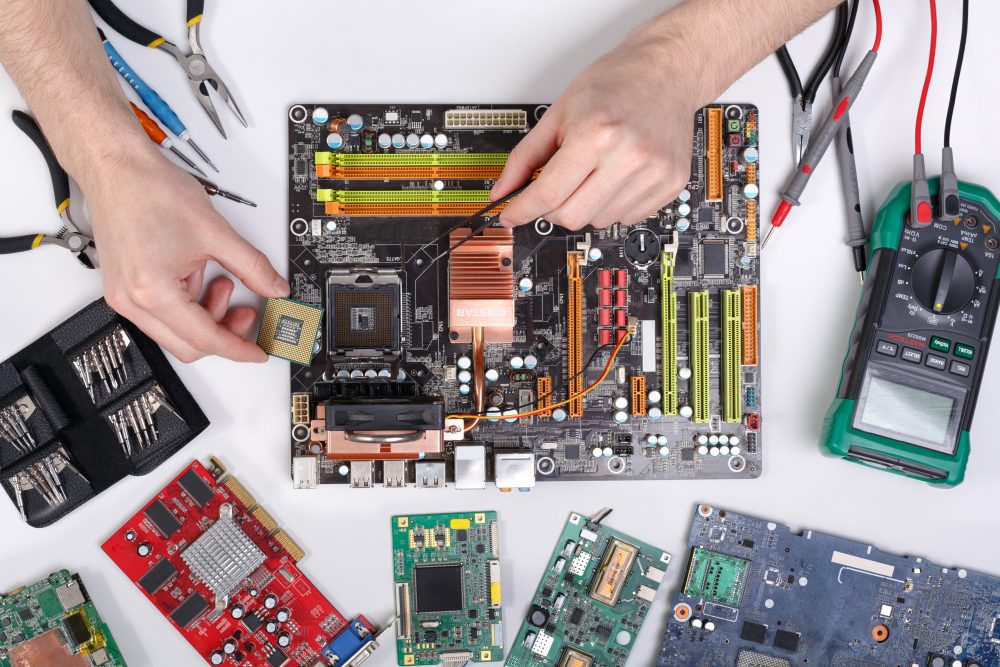
Computer servicing covers a range of tasks that address both the hardware and software sides of your machine. On the hardware side, this includes cleaning out dust buildup, checking internal components, inspecting cooling systems, and verifying that everything is physically functioning as it should. On the software side, it means checking for security vulnerabilities, clearing out unnecessary files, updating drivers, and scanning for malware. Together, these tasks form the foundation of a healthy, long-lasting machine.
How Often Should You Schedule Professional Maintenance?
The general recommendation from most IT professionals is a full computer service once every 12 months. This annual checkup gives a technician the chance to catch small problems before they escalate into expensive failures. Think of it the same way you think about an annual physical, not because something is wrong, but because staying ahead of issues is always smarter than reacting to them. That said, your ideal service frequency depends on how and where you use your machine.
Heavy Daily Use
If your computer is running eight or more hours a day, handling large files, video editing software, or demanding applications, a service every six months is a smarter approach. High-performance workloads generate more heat, consume more processing power, and accumulate dust faster, all of which accelerate wear on your internal components.
Standard Home Use
For the average home user who browses the web, streams content, and manages emails, an annual service is typically sufficient. Paired with some basic self-care habits like restarting your computer weekly and keeping your software updated, you can keep your machine running smoothly between professional visits.
Older Machines
Computers that are three years or older benefit significantly from more frequent attention. Aging hardware is more vulnerable to thermal issues and component fatigue, and older operating systems can accumulate security gaps faster than newer ones. If your machine is on the older side, consider scheduling a service every six months and having a technician assess whether an upgrade might be more cost-effective in the long run.
Signs You Shouldn’t Wait for Your Next Scheduled Visit
Even with a consistent maintenance schedule, certain warning signs warrant a prompt visit to a professional. Unexpected shutdowns, overheating, unusual grinding or clicking sounds from the hard drive, dramatically slower performance, or repeated error messages are all signals that something needs attention now. Ignoring these symptoms rarely makes them better, and almost always makes repairs more expensive.
A Simple Habit That Makes a Big Difference
Beyond professional servicing, there are a handful of things you can do at home to extend the health of your machine. Keeping your software and operating system updated closes security vulnerabilities. Avoiding eating or drinking near your keyboard reduces the risk of damage. Storing your laptop on a hard, flat surface rather than soft bedding ensures proper ventilation. None of these require technical knowledge, just consistency.
Your Computer Works Hard for You. Return the Favor.
A well-maintained computer is faster, more secure, and far less likely to fail at the worst possible moment. Whether you’re a casual user or someone who relies on their machine professionally, building a regular maintenance schedule is one of the smartest investments you can make. The team at PC Geeks is here to help you figure out exactly what your computer needs and when it needs it. Reach out today to schedule your next service appointment and keep your machine performing at its best.